
Java jre1.6.0_32

Hsr Deen
Originally from ticket 10841.
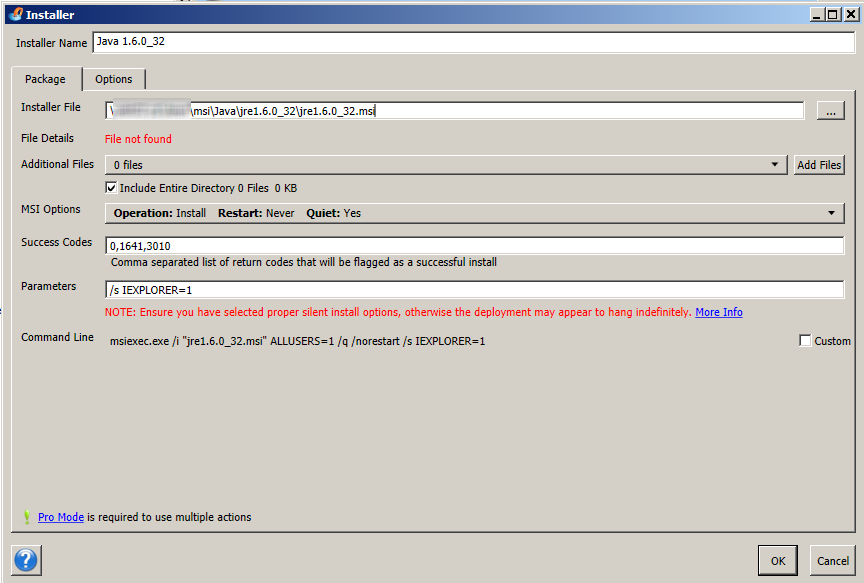
I want to install jre1.6.0_32 via PDQ Deploy. How can I push it and what parameters I need to input? I have extracted the Data1.cab and jre1.6.0_32.msi into a folder and tried to push the msi file but does not work? Anything I need to input?
0
Comments
Hi,
When you are deploying an MSI you do not need to supply the /s parameter (which is the silent switch for the Java installation EXE, not the MSI). Remove the /s so that your parameters are only IEXPLORER=1. To make an MSI deployment silent we automatically add the /q parameter (quiet).