Computers not coming up under the collection Library

Brandon Long
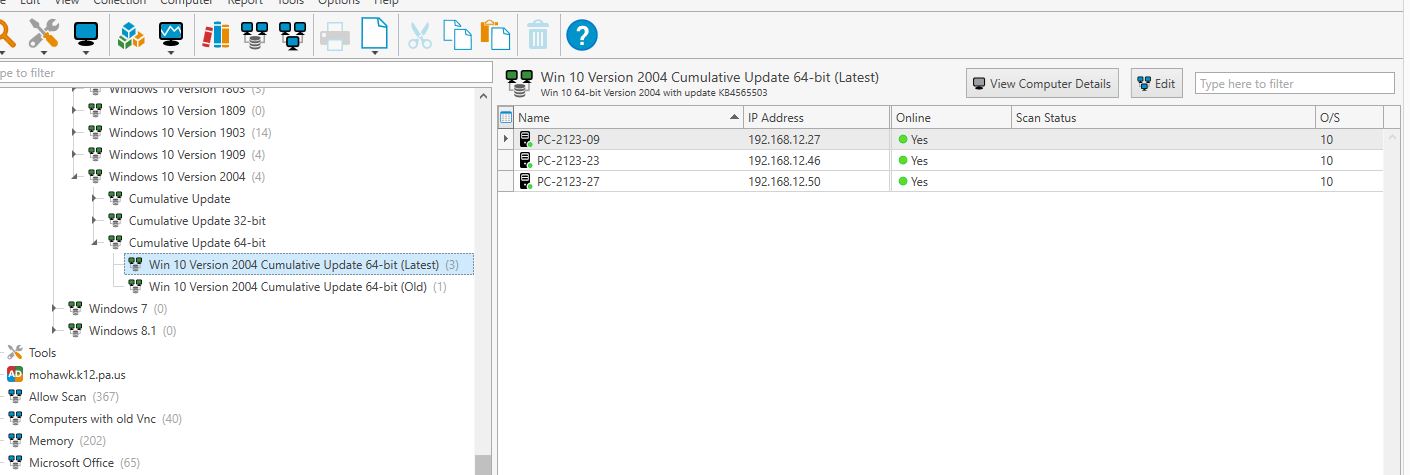
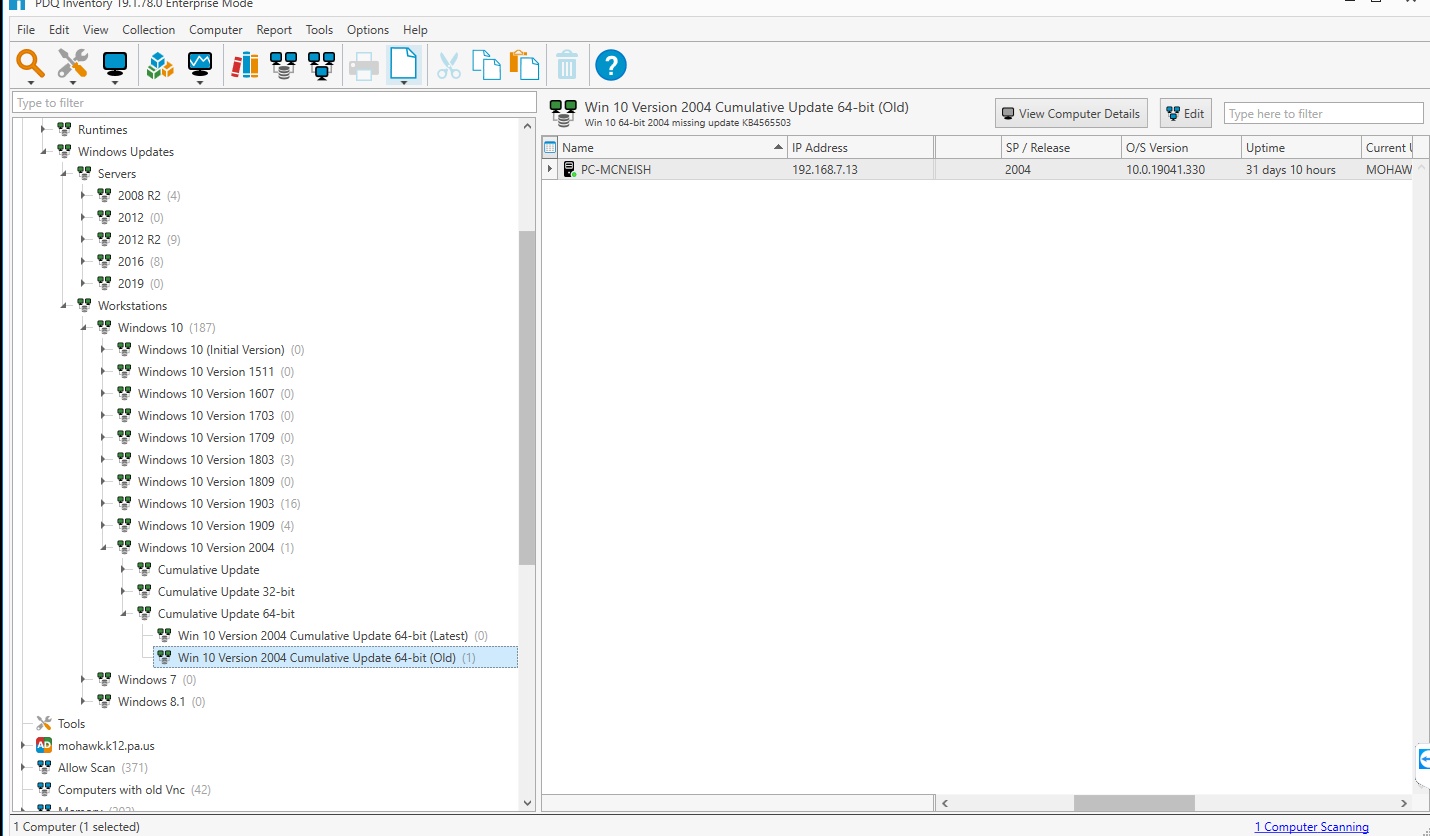
It shows all my windows 10 machine but fails to see any of the different builds. For example, it only shows 1 computer that has build 2004. I also clicked on it and it says membership updating and then it still only shows 1 pc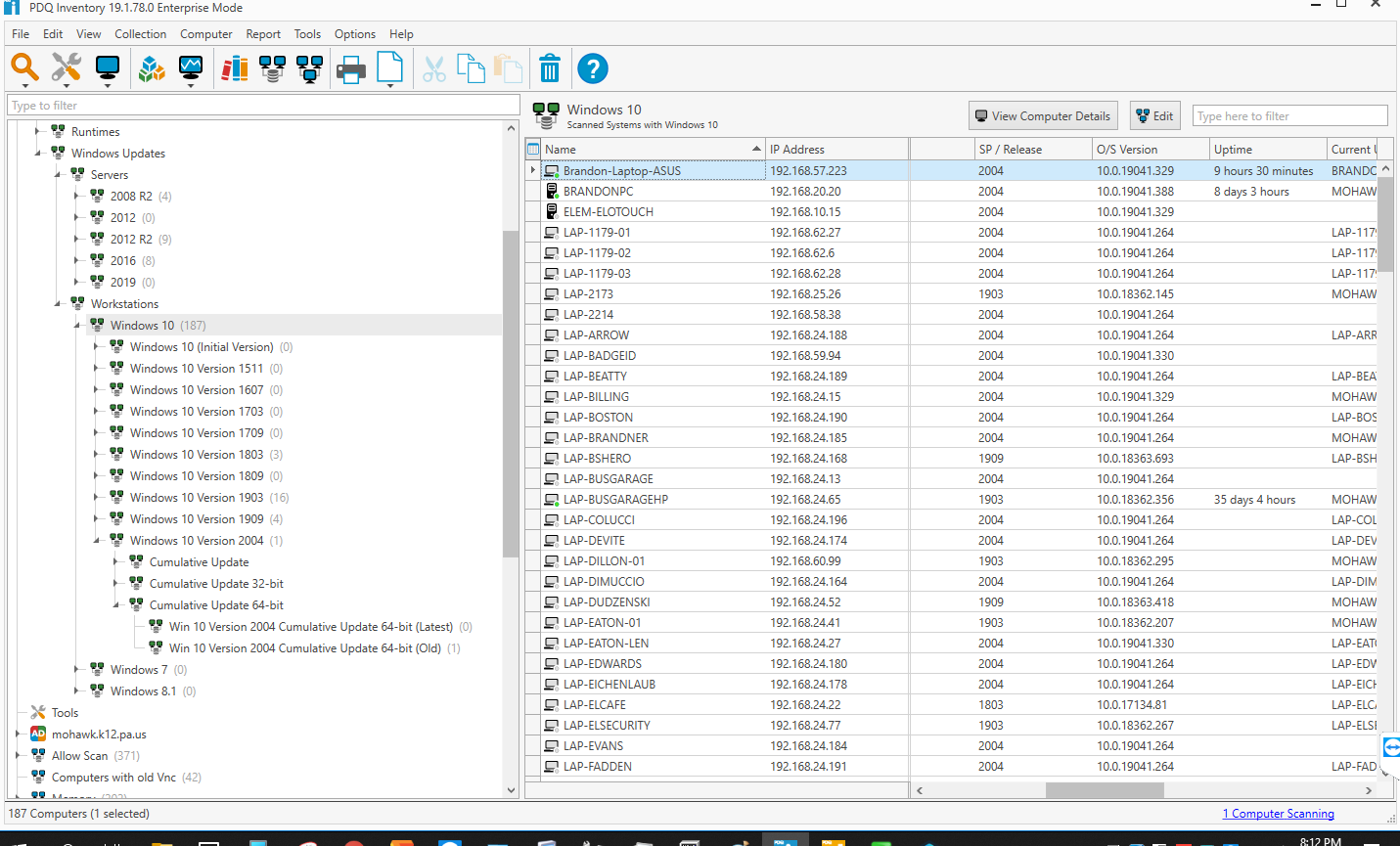
0
Comments
If yyou read the collection description You can see that the "(old)" shows Computers MISSING the update KB....
and "(latest)" shows the computers WITH Kb...
Does it helps ?
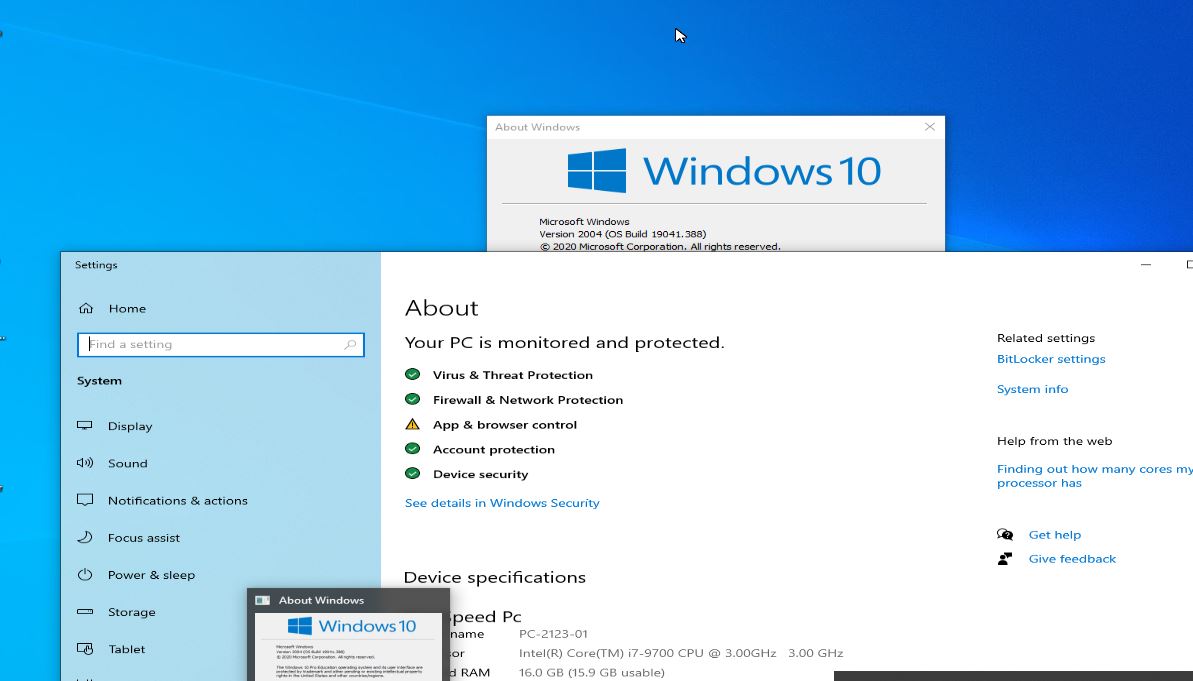
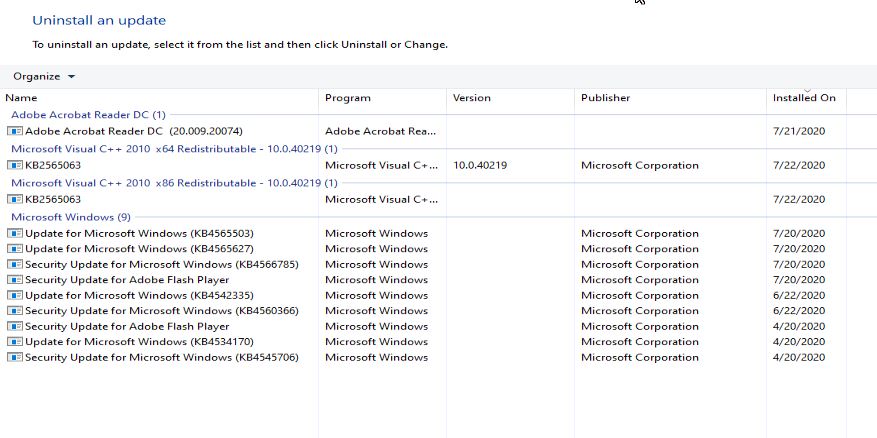
I looked through most of the computers and they do in fact have the latest KB number but it doesn't show up in collections. I just noticed I'm on version 19.1.78.0 which is a beta version could this be something to do with it.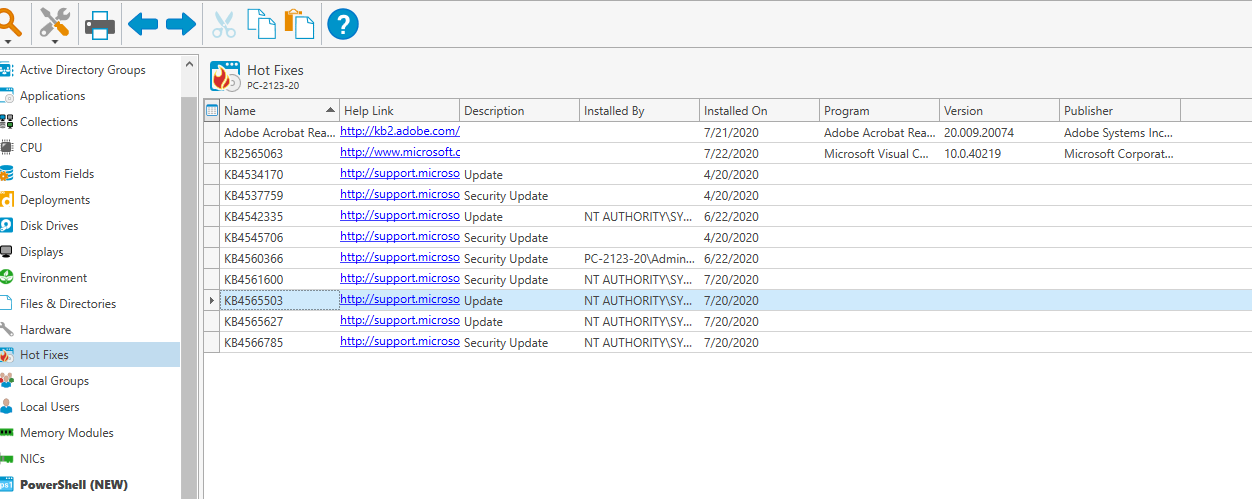
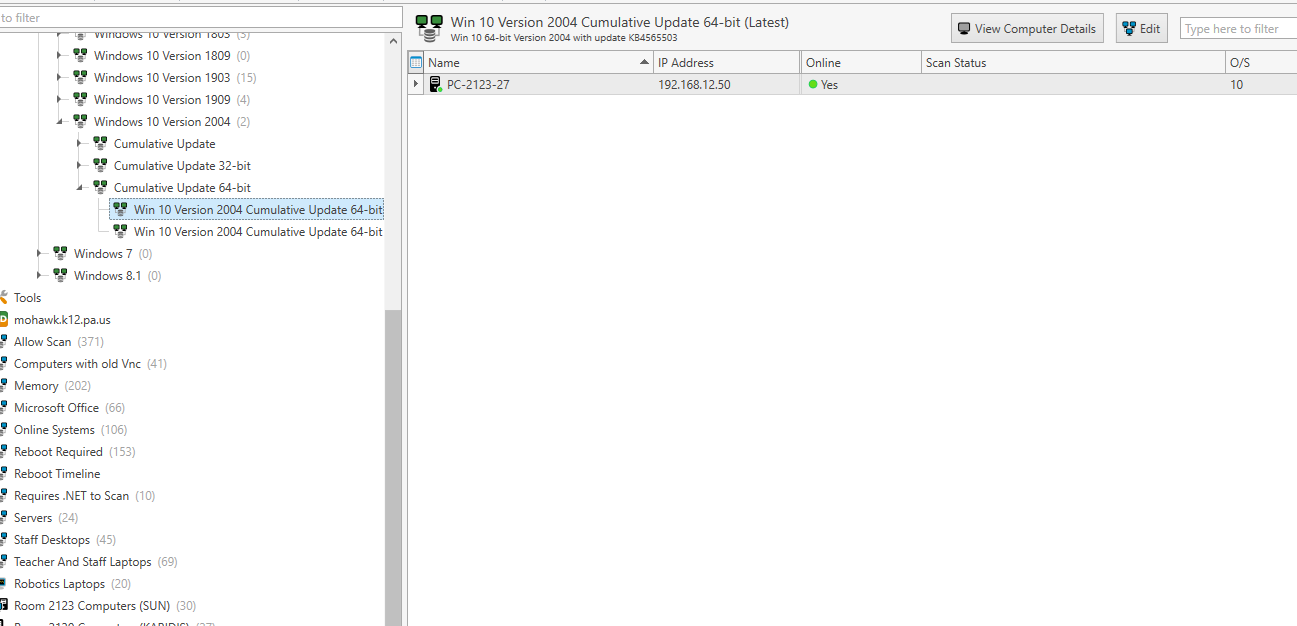
I believe the latest version of Win10 are
Based on your screenshots, you are behind. Personally I use my own variables @(Win10ver2004) and @(Win10ver1909) to keep track of things. I believe the PDQ Team did a webinar on the topic of collections and custom variables a month or two ago.
The collections you are using are dynamic. You may have to click on the collection and allow it to update.
I'm probably doing something wrong but it appears I'm on the latest build on a couple of machines but they are still not showing up. I have refreshed it and it comes up and says membership updating but never detects the pc that is up to date. If you look in the update installed list the KB is there that PDQ says is the latest